
How the National Space Centre Automates IT Asset Tracking with Reftab
The National Space Centre needed accurate asset data for Cyber Essentials compliance. Reftab automated IT asset tracking across Jamf, Intune, and SaltStack.
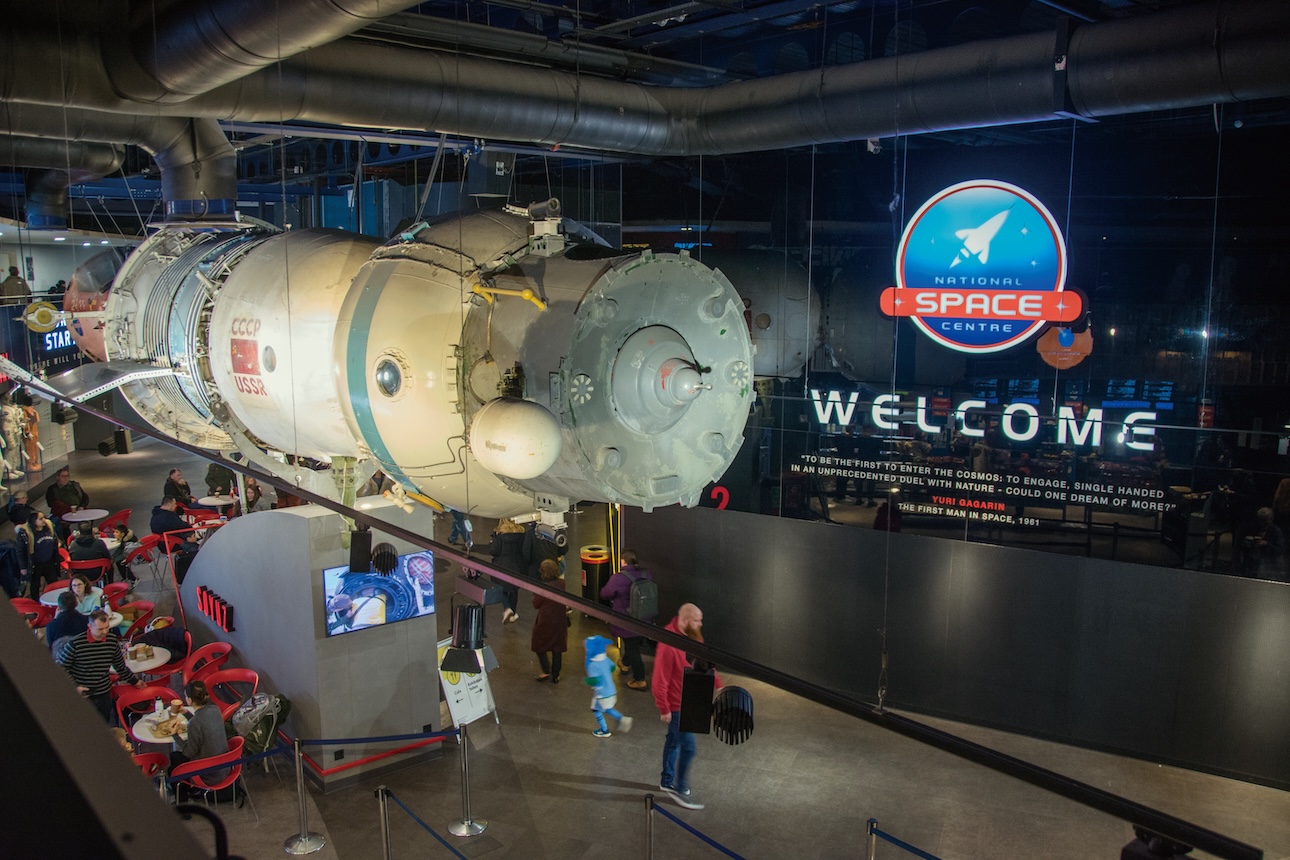
Industry
Museum / Science and Education
Challenge
Struggled to manage hundreds of devices across multiple departments using inconsistent, error-prone spreadsheets.
Solution
They implemented an automated asset tracking system that integrated with their existing tools and consolidated hardware and software records into a single, up-to-date source.
Begin your journey, get started today!
From spreadsheet chaos to clarity at the National Space Centre
When most people think of the National Space Centre in Leicester, they picture the 42-meter rocket tower or the breathtaking planetarium shows that transport visitors across galaxies.
However, what they don’t see behind the scenes is a small IT team that keeps this vast, multi-department operation running, which spans museum exhibits, education programs, and a commercial animation studio that produces shows seen in planetariums worldwide.
For years, they tracked the Centre’s hundreds of devices the old-fashioned way in spreadsheets. Each department had its own file, often formatted differently, occasionally saved to the wrong drive, and frequently edited by multiple people at once.
Matt Brown, Studio Systems Administrator at the National Space Centre, says, “We had departments all using different spreadsheets. . . And of course someone could accidentally delete an entry.”
The breaking point
Matt and the other members of the IT team couldn’t see which software was installed on a given machine without physically logging into it. With so many render workstations and public-facing devices scattered across the museum, that became a logistical nightmare.
On top of that, the Centre’s Cyber Essentials compliance requirements added another layer of complexity. They needed to prove, at any given moment, that both hardware and software were properly tracked and secured.
The stakes rose as they scaled its commercial work where they are producing high-resolution planetarium shows, including one featuring Pink Floyd that recently appeared on Linus Tech Tips. Their render farm changed constantly as GPUs are upgraded, upgraded nodes, and re-imaged workstations. Keeping the asset register accurate by hand was impossible.
The team also had to juggle iPads used in galleries, classrooms, and off-site education programs. All of which are managed through Jamf.
Finding the right fit
The search for a new solution that handles both hardware and software asset management began the way most teams search these days with a ChatGPT prompt.
They tried several asset management tools but hit the same wall each time. Too much setup, too many configuration steps, and too much reliance on vendor support to get anything working.
The team next evaluated Reftab which was able to connect with their existing systems, including Jamf for Apple devices, Intune for Windows machines, and SaltStack for the creative department’s render farm, without additional setup.
Setup required less configuration than they expected, and devices began populating automatically once connected.
Introducing automated processes
Now, when they get a shipment of 21+ iPads, it appears through the system’s built-in integrations without anyone typing a line into a spreadsheet. When a graphics card was upgraded in a render workstation, the Reftab agent logged the change automatically. Even decommissioned equipment like the retired Windows 10 render nodes remained visible in historical records for audit purposes.
The integration architecture evolved into a finely tuned system:
- Jamf → Reftab for Apple hardware and iPads
- Intune → Reftab for Windows devices
- SaltStack → Reftab for creative workstations
- Entra → Reftab for user directory synchronization
Eliminating human error
For a small IT team supporting both the public-facing National Space Centre and a commercial animation studio, every manual process they eliminate is a meaningful win. The switch to automated tracking also helped reduce the risk of human error.
And it also made it easier to manage both devices and licenses. Instead of relying on memory or worse, Matt can now pull one report and see which devices are installed, software spend, and what software is coming up for renewal.
A quiet transformation
In a setting where rockets and planetarium domes steal the spotlight, the quiet revolution happening in the back office is easy to miss. But for the IT guys on the tech team, keeping the National Space Centre orbiting smoothly, the move away from spreadsheets to asset management automation is its own kind of launch success.
The results are evident daily.
- Three people can effectively manage all of their hardware and software assets across a planetarium, animation studio, and museum.
- Cyber Essentials requirements are met with current asset data.
- Devices and software are logged properly.
By shifting from spreadsheets to an automated system, they reduced manual work and improved accuracy.
Begin your journey, get started today!
Ready to simplify IT asset management?
No credit card. No watered-down trial. Create a free account and see firsthand what Reftab can do.