
How to monitor what software your team actually uses
Table of contents
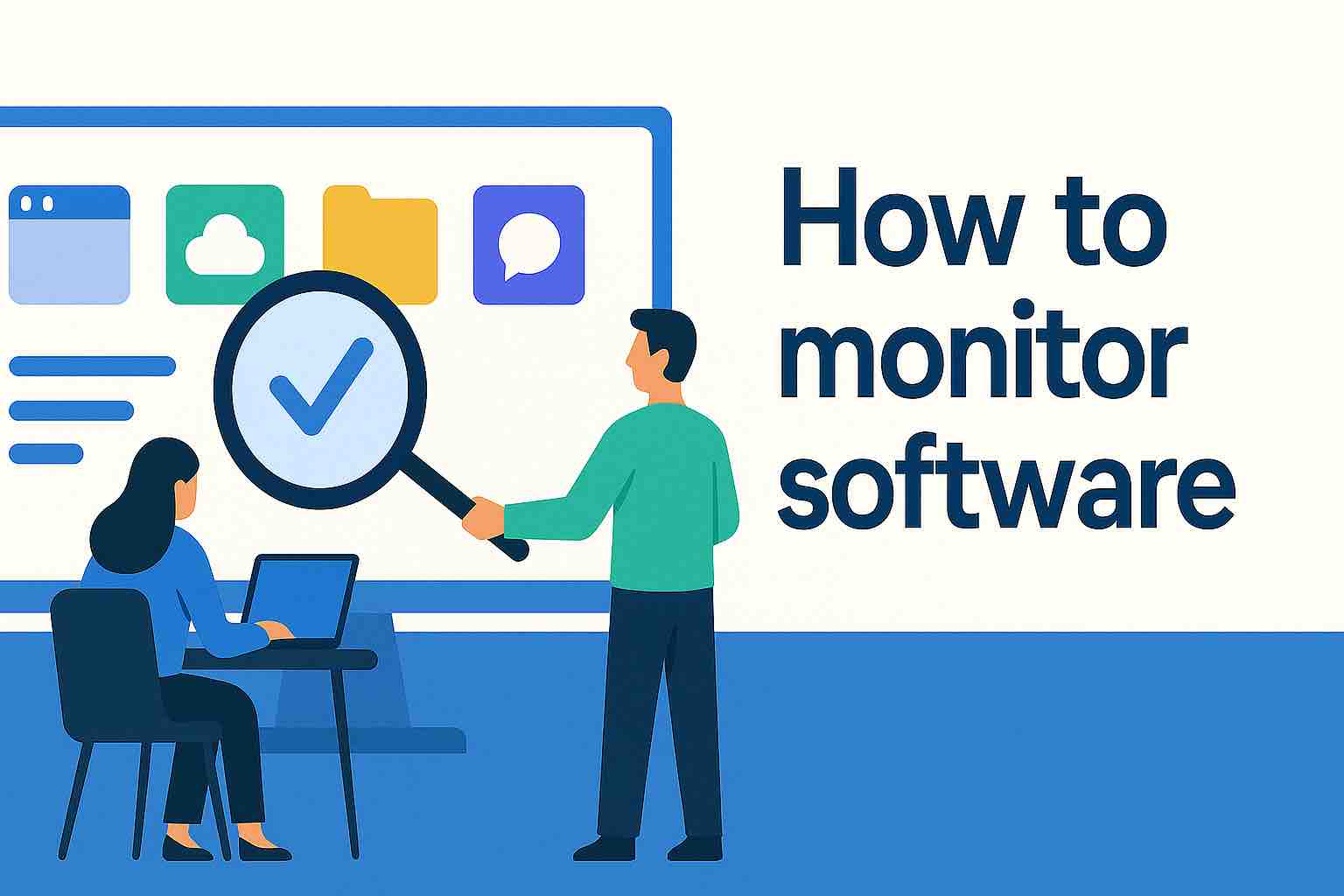
Ask any IT manager what software their company actually uses, and you’ll get a sigh, a spreadsheet, or both.
The issue is lack of visibility into active usage rates. Tracking software usage monitoring across dozens of teams and hundreds of seats is chaos. Departments buy new software applications on company cards. Former employees still show up as active users. Usage surveys go unanswered. And those spreadsheets everyone swore they’d keep updated? They break the moment someone forgets to touch them.
Meanwhile, SaaS renewals keep auto-charging, and your software stack keeps expanding whether you planned for it or not. Without real application usage tracking, IT leaders are left making guesses instead of informed decisions.
This is where application usage patterns matter. By understanding user behavior including who’s using what, how often, and where adoption is slipping, IT can finally connect usage to business goals and employee productivity.
The difference is night and day. With data-driven business decisions based on real usage data, you can see what’s driving value and what’s just quietly draining your budget. And when that visibility lives in one system, every renewal, reclaim, and optimization move stops being reactive and starts being strategic.
What is application usage tracking?
Application usage tracking is the practice of monitoring which SaaS tools your team actually uses, how often, and by whom. It’s the foundation of every smart software asset management (SAM) strategy because you can’t optimize what you can’t see.
At its core, usage tracking answers three deceptively simple questions:
- What tools do we have?
- Who’s using them?
- How often?
Done manually, this usually involves endless exports, CSV merges, and prayer. Done right, usage tracking is automated with usage monitoring tools, since it pulls real-time data from SSO logins, license usage reports, and API connections across your SaaS stack in a given time period.
The payoff? You finally have clarity and data driven insights about core business goals including what’s worth renewing, what’s underused, and where hidden costs live.
For instance, it is not uncommon for an overworked IT staffer to think the company has only 41 SaaS tools. However, application tracking reports reveal they actually have like 117 with many being free trials or legacy apps still logging data. Or to discover that they are paying one app for dozens of seats from former employees or now-inactive users.
So, it goes without saying that accurate software usage reports can save a company thousands of dollars or more.
Why usage tracking is the foundation of SAM
In short, usage tracking is SAM’s telemetry. It feeds everything else.
The problem is most software asset management frameworks look great on paper until you realize they depend on accurate data. Without visibility into usage patterns, your SAM strategy is built on quicksand.
Here’s why usage tracking sits at the core.
- Renewal accuracy. You can’t manage license renewals if you don’t know who’s actually using the software.
- Cost control. Knowing real usage lets you scale licenses up or down with confidence.
- Governance. IT asset management and governance policies rely on clean data for compliance and audits.
- Security. Tracking who accesses what reduces shadow IT and narrows attack surfaces.
How to track who’s using what software (and how often)
The application tracking process follows a clear logic and is infinitely more scalable when you use an asset management platform that tracks hardware and software like Reftab.
Whether you are doing this manually or automated, this process looks like:
- Start with identity data. Use single sign-on (SSO) to map logins across tools. This gives you a baseline of which users access which apps.
- Pull usage metrics directly from vendors. Many SaaS apps (e.g., Zoom, Slack, Salesforce) expose detailed activity data via APIs.
- Cross-check with expense data. Work with finance or procurement to match usage with actual spend.
- Automate recurring checks. Weekly or monthly usage scans reveal trends.
Manual exports can get you started, but automation is what scales. Without it, the manual effort quickly outweighs the savings.
Using SSO and login data to improve accuracy
The most accurate application usage tracking data comes from SSO systems like Okta, Azure AD, Google Workspace or Microsoft Entra. That’s because they show who actually signs in, not just who has a license.
By connecting these identity systems, you can:
- Detect inactive users automatically.
- Enforce auto deprovisioning rules during offboarding.
- Spot unauthorized or duplicate accounts.
- Correlate activity with department or role to see which teams use what most.
Combined with API data from vendors, SSO tracking gives you a full, live picture of engagement. It’s the difference between assuming, “We use it a lot” and knowing “78% of seats are active weekly.”
Browser-based discovery can add another layer of insight. The Reftab Browser Extension helps IT teams automatically identify SaaS applications in use across the organization, making it easier to spot untracked tools, improve software inventory accuracy, and support a more complete application usage tracking strategy.
What to do with the usage data once you have it
But, application tracking usage data by itself doesn’t save money. You still need to take action. Once you can see what’s actually being used, you can:
- Reclaim unused licenses or reassign them to active employees.
- Adjust renewal terms based on real usage, not assumptions.
- Support procurement with accurate data for vendor negotiations.
- Tighten governance by removing apps that don’t meet compliance standards.
- Inform IT support by identifying high-usage tools that justify more attention.
This is where usage tracking feeds into license optimization and vendor management. It’s also where IT earns credibility with finance since you’re now managing software spend proactively.
For instance, let’s say the marketing department insisted they needed every tool in their stack, which totals 21 apps. Application usage tracking told a different story. Only six were consistently active. The rest were rarely touched. The IT team used the data to consolidate licenses, cut $40K in spend, and rebuild trust with finance.
How SSO login data improves software usage tracking accuracy
Many IT teams rely solely on vendor-reported active user counts, but those are often inflated. Vendors measure activity differently. For instance, some count background syncs or API pings as active.
SSO data provides an independent source of truth. By tracking logins across all tools, IT can validate vendor data and catch padding. This matters during contract renewals and audits, when accuracy translates directly into cost savings.
Related Reading: Multi-year contract lengths: Who really benefits?
When combined with group-based licensing (like in Microsoft 365), IT can automate assignments and reclamations dynamically. This scales software licenses in real time as people join, move, or leave teams.
What happens when you start tracking software usage company-wide
The benefits of software usage tracking are immense. When you roll out application usage tracking across your entire company software ecosystem, three things happen fast:
- Waste disappears. You start seeing 10–20% of licenses sitting idle.
- Negotiations improve. You walk into vendor calls armed with real detailed usage data around business activities.
- Governance strengthens. Shadow IT shrinks because you finally know what’s out there.
Most importantly, IT regains control. You’re no longer the department begging for budget. You’re now the one showing leadership where it’s being lost.
Reftab makes this entire process simple. It pulls usage data from SSO and connected apps, maps it against your license inventory, and automates alerts for inactivity or renewals.
Application usage tracking is leverage
You can’t manage what you can’t see and right now, most IT teams are managing blind.
Modern software usage tracking tools change that. They turn raw app activity into actionable insights, which help you see user actions, feature usage, and daily usage patterns across your entire software stack. Instead of flying blind, IT can make data-driven decisions about renewals, adoption, and budget allocation.
With application usage reporting, you can measure activity breadth (how many tools employees use), activity depth (how much value they’re getting from each one), and activity frequency (how often they engage). These adoption metrics reveal true employee activity and show where software is actually helping people work or just taking up line items in your spend.
A good asset management platform doesn’t just show the daily user count. It lets you filter by time range, analyze activity history, and benchmark app usage patterns over time. It’s visibility that scales, powering smarter renewals and cleaner governance.
Application usage tracking turns guesswork into data and data into control. It protects your IT budget, strengthens your vendor relationships, and gives IT a strategic edge in every negotiation.
Once you know exactly who’s using what, the entire renewal process becomes proactive. You negotiate from a position of strength. You reclaim licenses before they rot. You make your software solutions work harder for your business, not the other way around.
Ready to take back control of hardware and asset management tracking? Get started and create your free Reftab account here.

Robert Hoyt
Table of contents
Your IT inventory, finally under control
Try Reftab for free, no strings attached. 50 assets free forever.
Continue reading
Ready to simplify IT asset management?
No credit card. No watered-down trial. Create a free account and see firsthand what Reftab can do.