
Reftab’s UI Refresh: What Changed and Why We Did It
Table of contents
Reftab has been in active development for over 10 years. In that time, we’ve added a lot: new modules, new workflows, new ways to manage assets, software, users, and everything in between. Each addition solved a real problem at the time, but being built independently across a decade, features don’t always end up looking or behaving the same way. Editing an asset works one way, editing a user works slightly differently, and tables behave differently depending on which page you’re on.
That’s what this update addresses. This refresh was built around one specific goal: if you know how one page works, you’ll know how they all work. Consistent modals, consistent tables, consistent navigation, so the time you spend learning Reftab on one screen carries over to every other screen.
The beta is live today, and we’ll be moving everyone over on July 15. This post walks through what’s changing and why.
The biggest change: side navigation
The single largest shift in this update is moving from a top navigation bar to a side navigation panel:
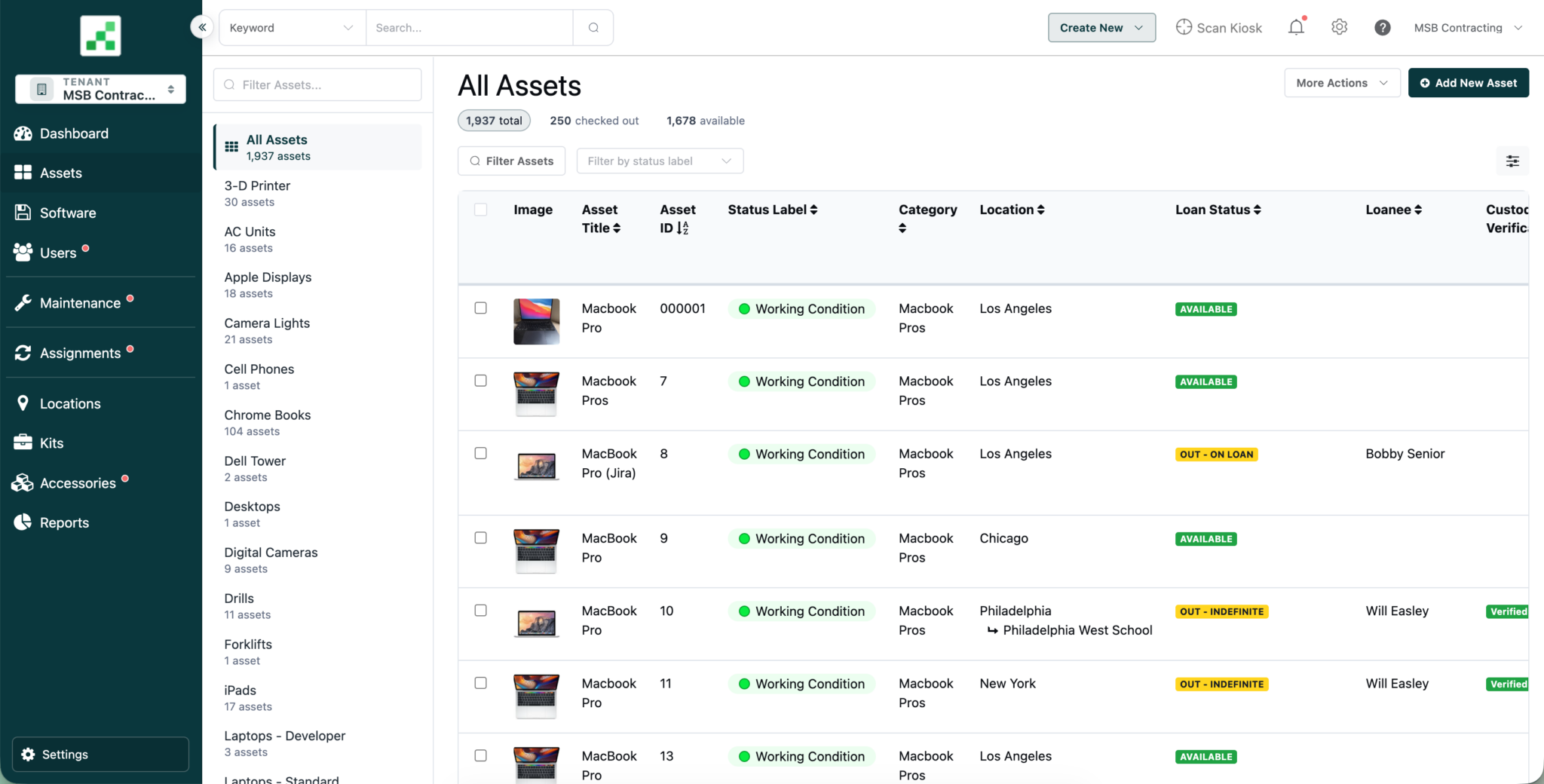
As Reftab has grown, so has the number of things you can do inside it: Assets, Software, Users, Maintenance, Assignments, Loans, Requests, Reports, Billing, Settings. A horizontal nav bar runs out of room fast, and things end up buried in dropdowns or secondary menus that are easy to forget about.
A side nav gives us more vertical space to work with, so we can group related sections together instead of flattening everything into one row. Sections open into flyouts so you can see what’s inside them before you click. The goal is that new team members can look at the nav and understand the shape of the app in a few seconds, instead of hunting through menus to find where something lives.
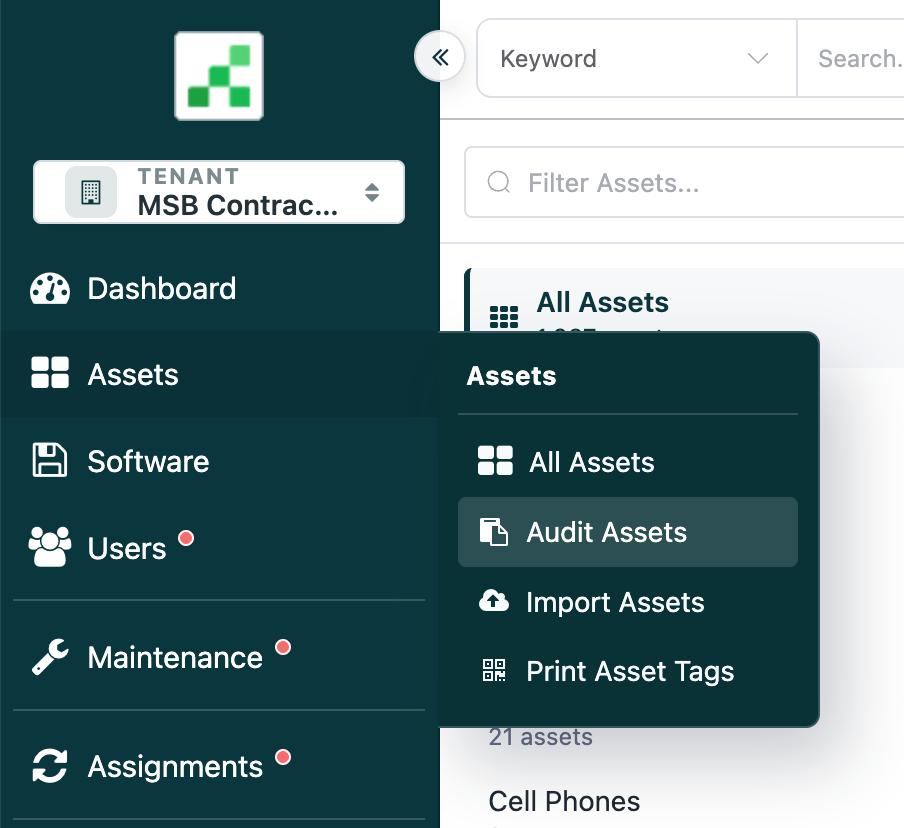
Some examples of this: Audits now have their own home in the side nav, instead of being tucked under the Locations page:
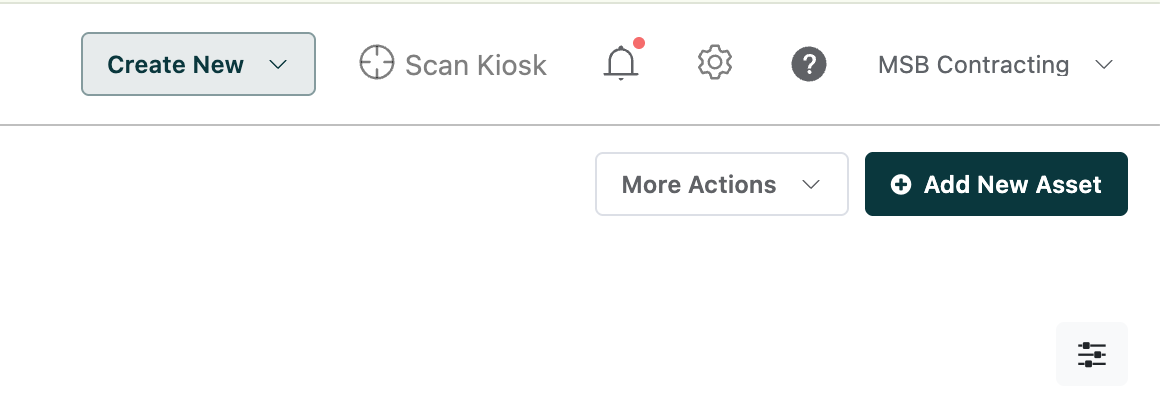
The scan kiosk has moved to the top of the screen, since it’s more of a quick-access tool than a section you navigate into and spend time in:
Every modal now looks and works the same way
If you’ve used Reftab for a while, you’ve probably noticed that editing an asset feels a little different from editing a user, which feels a little different from editing a maintenance record. That inconsistency wasn’t intentional. It built up over time as features were added independently.
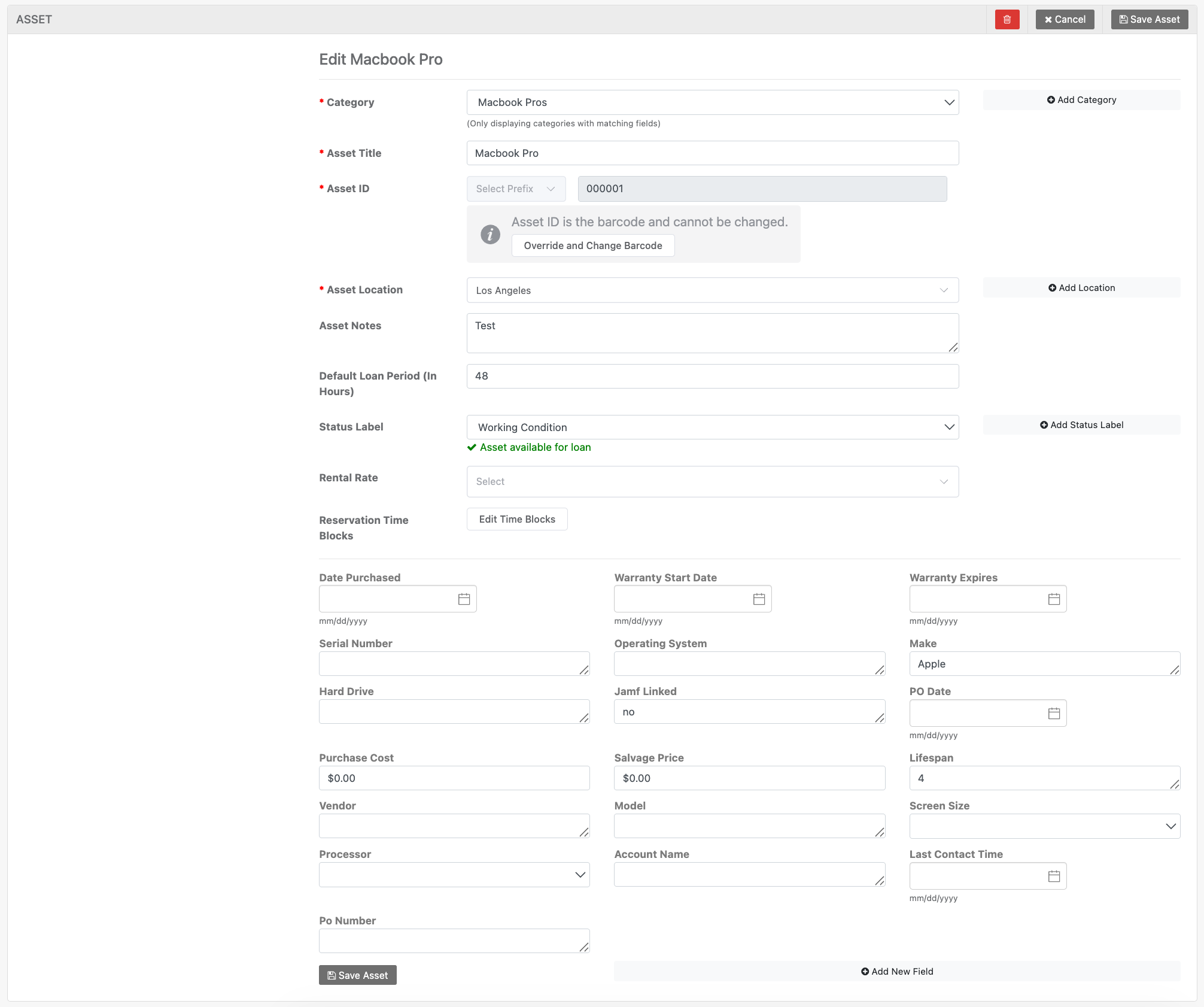
Going forward, all edits happen inside modals, and every modal follows the same pattern: tabs on the left for moving between sections of a record, and buttons (Save, Cancel, Delete) in the same place every time.
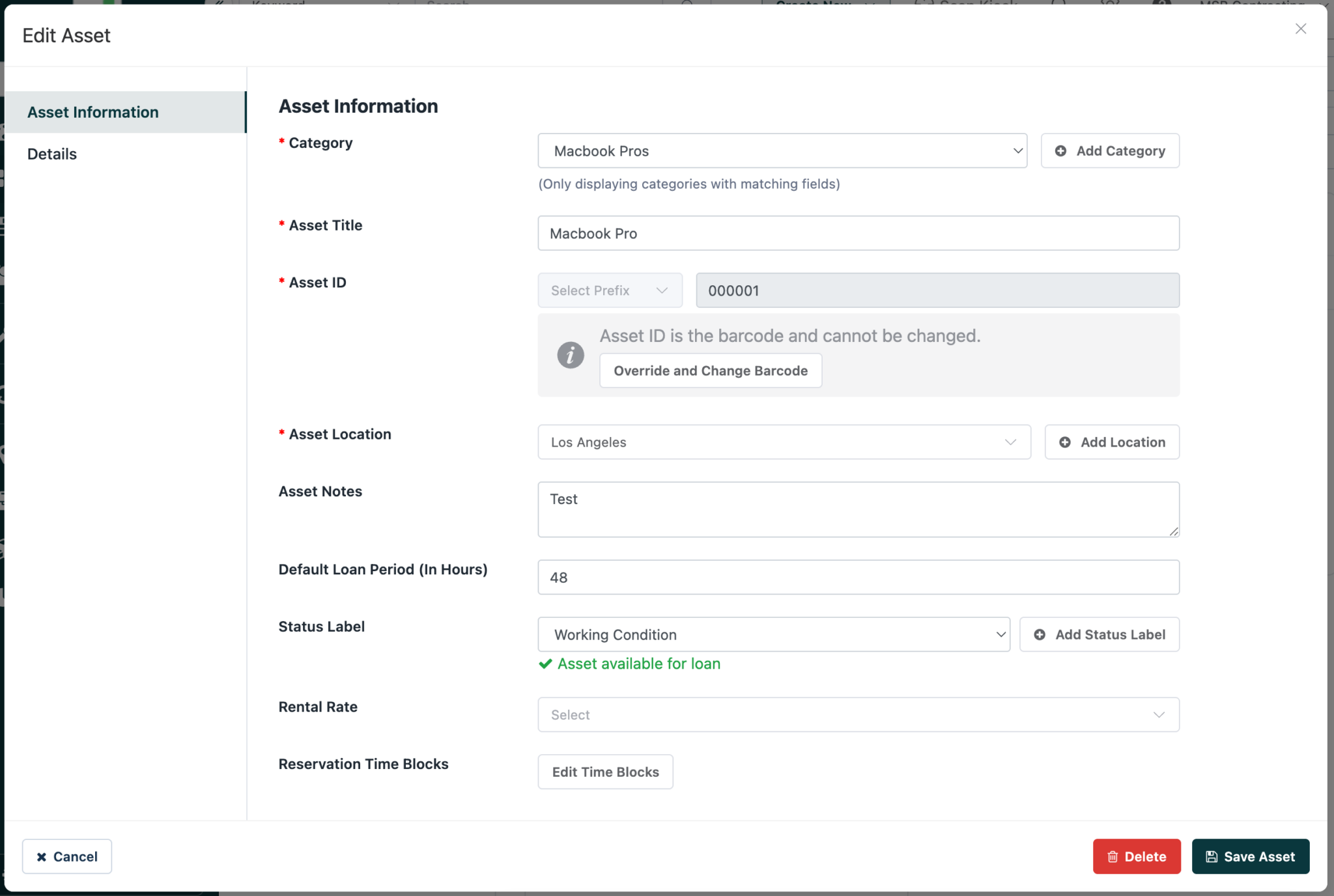
Once you’ve edited one thing in Reftab, you’ll know exactly how to edit everything else. Less relearning, less clicking around to find the save button.
Every table now works the same way
Tables got the same treatment as modals. Across Assets, Software, Users, Maintenance, and everywhere else you’re looking at a list of records, the layout is now identical.
A few specifics worth calling out:
The items-per-page control now always lives at the bottom left of the table, and page numbering always sits at the bottom right. That sounds minor, but it means you’re not hunting for these controls in a different spot depending on which page you’re on.

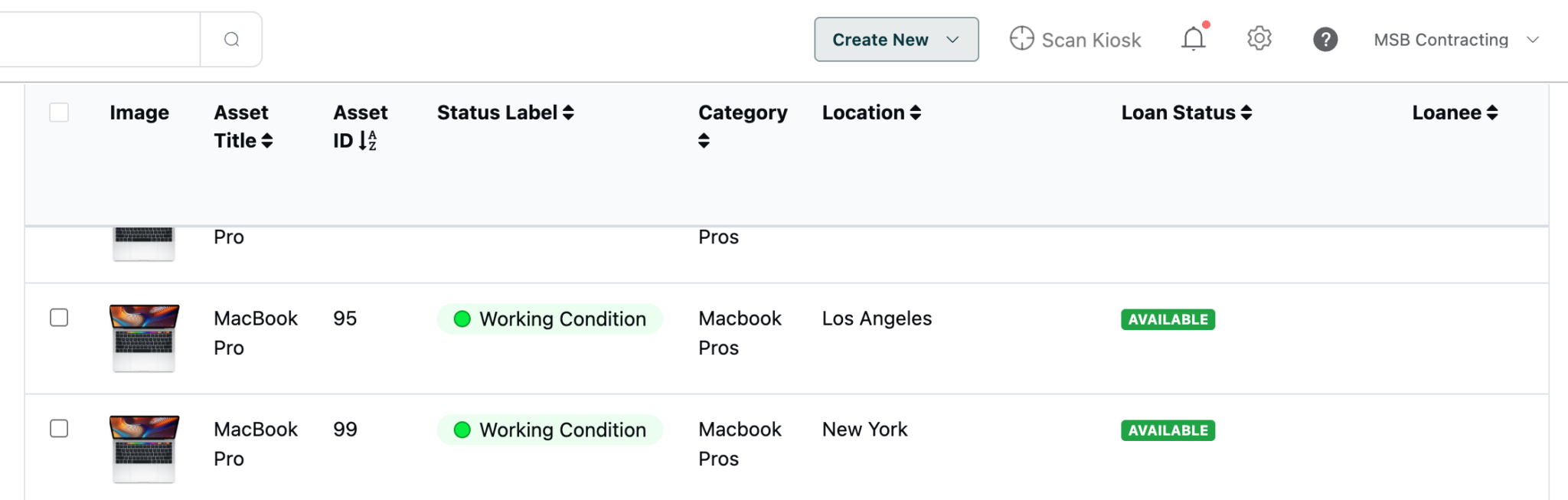
The column headers also stay pinned in place as you scroll down, so if you’re working through a long list of assets, you always know what column you’re looking at without scrolling back up to check.
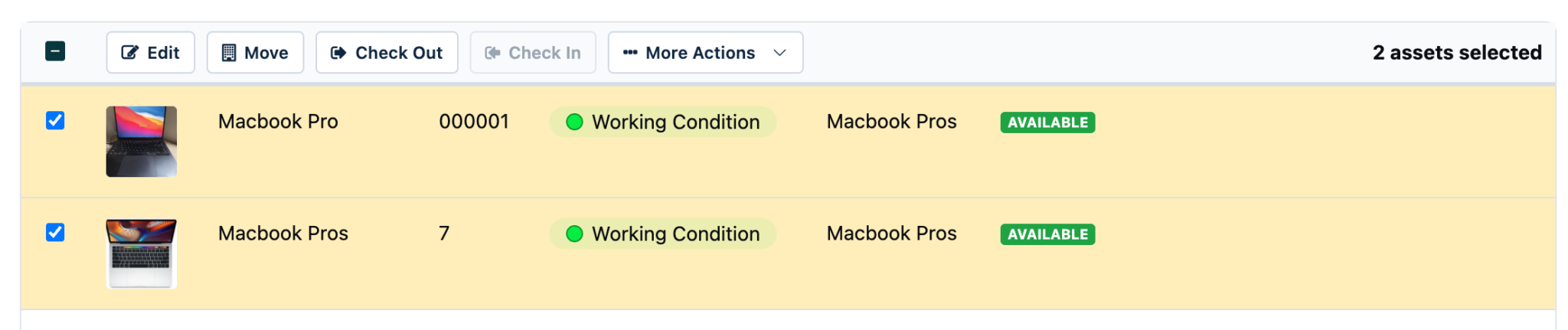
And bulk actions now live in the table itself. Select one or more rows, and the header row converts into a bulk actions bar right there. If you’re scrolled to the bottom of a long list, you don’t need to scroll all the way back up to act on what you selected.
None of these are things you’ll consciously notice on day one. They’re the kind of details that just make the app feel less fiddly the longer you use it.
Introducing the Dashboard
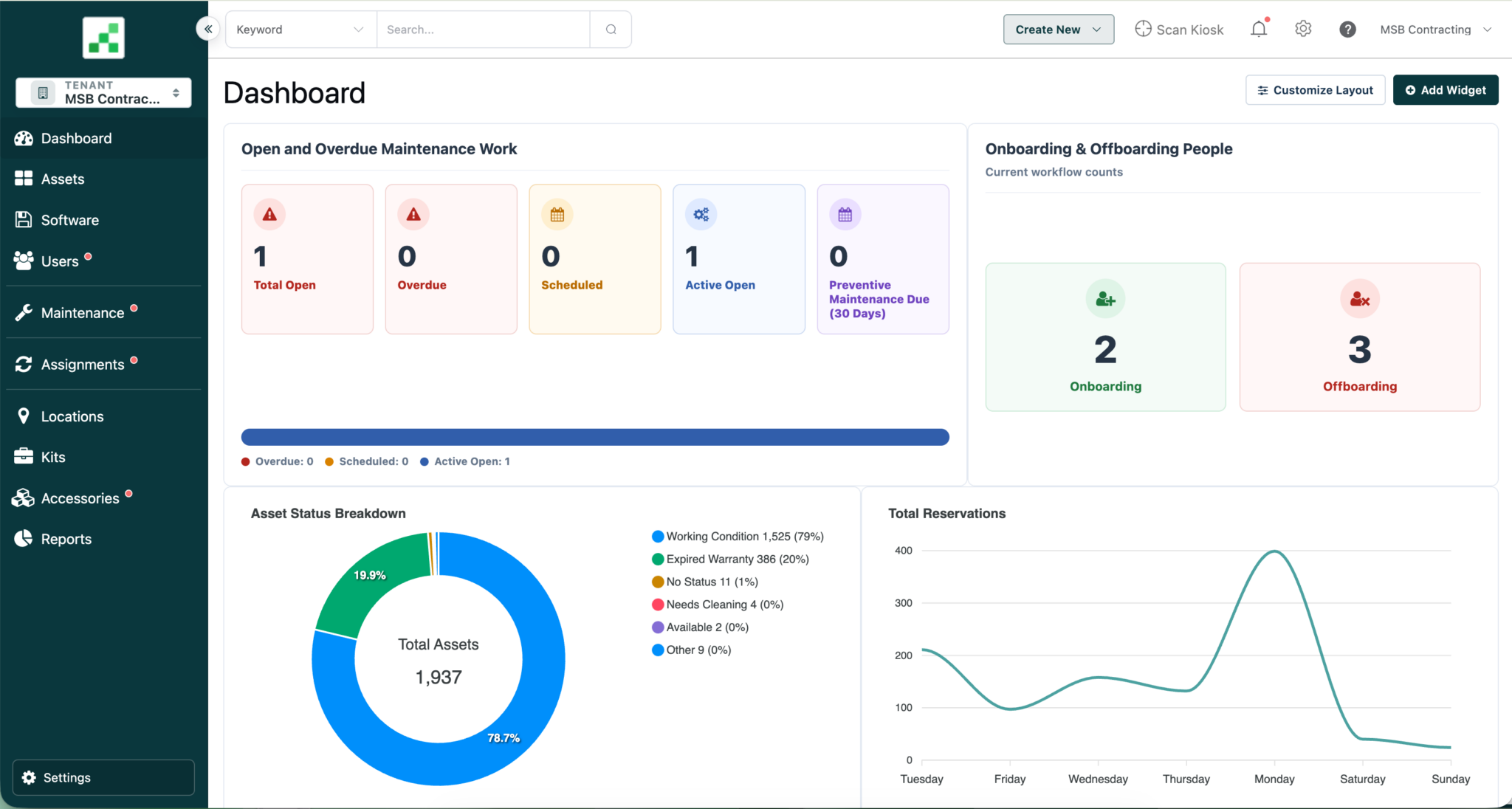
Reftab now has a dashboard. Log in and you’ll see pre-built charts covering the things most teams check regularly, along with the option to build your own custom charts based on what matters to your organization specifically.
What this means going forward
None of these changes exist in isolation. The side navigation, the consistent modals, the rebuilt dashboard, and the smaller details in between (updated tables, clearer empty states, more consistent badges and colors) are all part of the same effort: making Reftab feel like one cohesive product instead of a set of features built at different times with different patterns.
Practically, that means two things for you. Short term, some things will be in a different spot than you’re used to, and we’ve tried to make that transition as painless as possible by keeping familiar terms and grouping things in ways that make sense once you see them. Long term, this new structure gives us room to keep adding functionality without the app becoming harder to navigate. A cleaner foundation now means faster, more consistent updates later.
Try it now
The beta is live today. You can access it using the banner at the top of your Reftab account, or the button below. Poke around, edit something, check out the new dashboard. If something feels off or confusing, we want to hear about it before July 15, when this becomes the default experience for everyone.
Important Notes
Beta uses your live production data. This is not a sandbox, all changes made on beta.reftab.com will also be made in your existing Reftab account.
Single-Sign On will not allow you to login to beta.reftab.com, you must use email/password combination.
We built this update by looking hard at how teams actually use Reftab day to day, and we’re not done listening. If you run into rough edges during the beta window, reach out to the Support Team, we’re always accepting any and all feedback!

Michael Plocher
Table of contents
Your IT inventory, finally under control
Try Reftab for free, no strings attached. 50 assets free forever.
Ready to simplify IT asset management?
No credit card. No watered-down trial. Create a free account and see firsthand what Reftab can do.