
User details not updating after provisioning
If users are not updating properly after being provisioned from Azure/Entra to Reftab (e.g. name changes, department, titles, or disable status not showing), follow these steps:
Quick Fix:
Check where the changes were made to the user account.
If you edited the user’s properties from within your Reftab enterprise application in Entra, as depicted below, then you will need to reprovision the user a second time for those updates to sync properly.

This is an unfortunate quirk of Entra. As a best practice, we recommend making changes directly on the user record in Entra ID (outside of the application itself) rather than editing the user profile from within the application, as shown below:
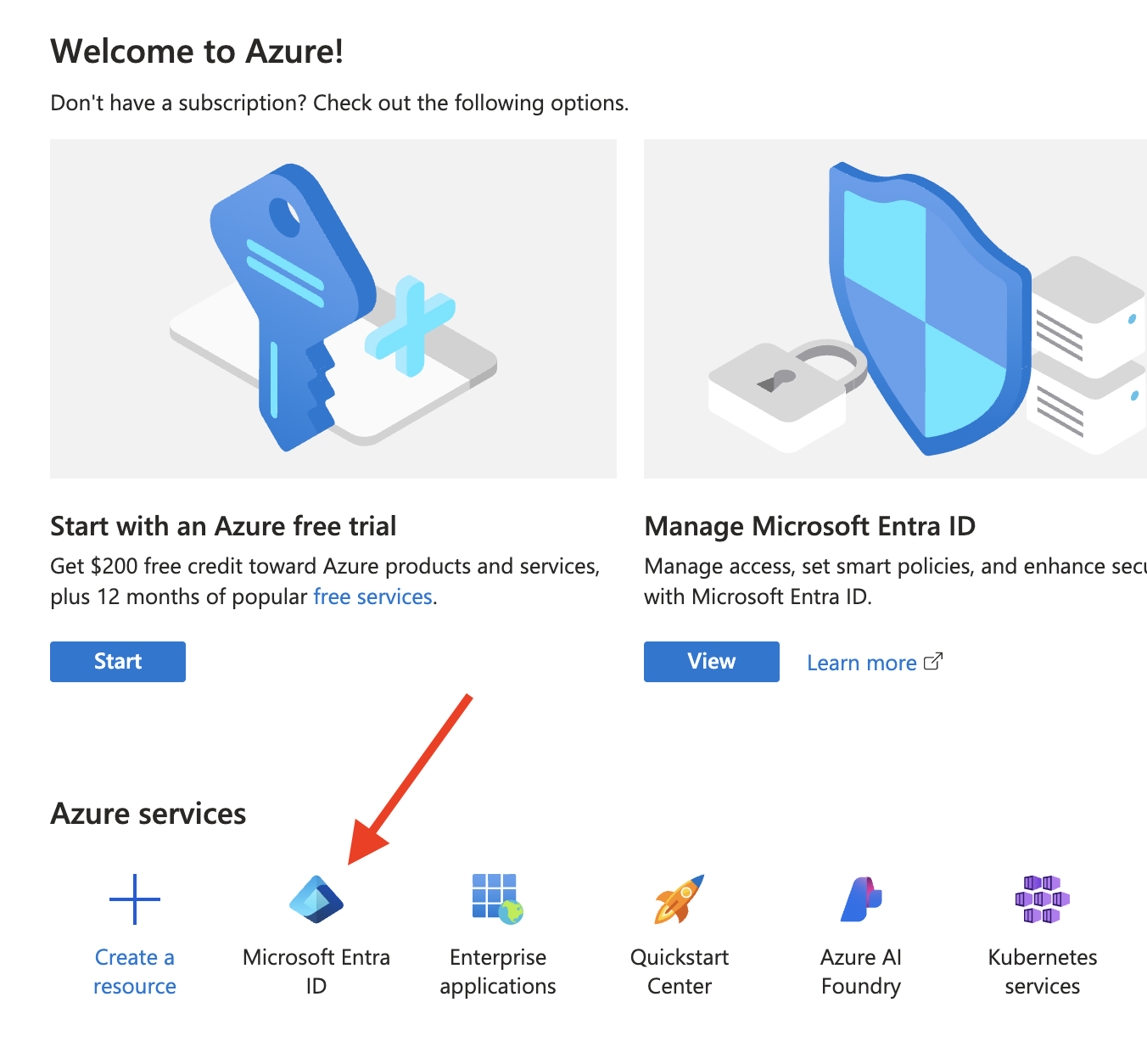
From the homepage of the Azure portal, click on Microsoft Entra ID
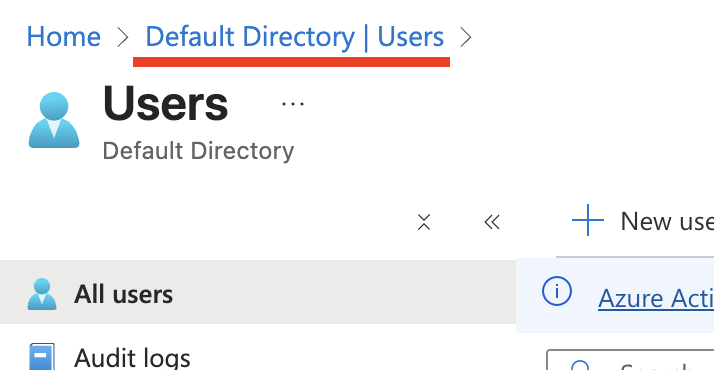
Next, click on Users on the left hand side, this will place you in the Default Directory wherein edits to users should be made.

Need help? We're here for you
For any questions or assistance, feel free to reach out to us.
Ready to simplify IT asset management?
No credit card. No watered-down trial. Create a free account and see firsthand what Reftab can do.